A calm, private book tracker.
Atlas is an iOS app to track your books, navigate your reading lists, and get back to what you love: reading. No streaks, no goals, no ratings, no guilt. Not a habit tracker, not a stats dashboard, not a social network. Just your books, their beautiful covers, and the order you intend to read them.
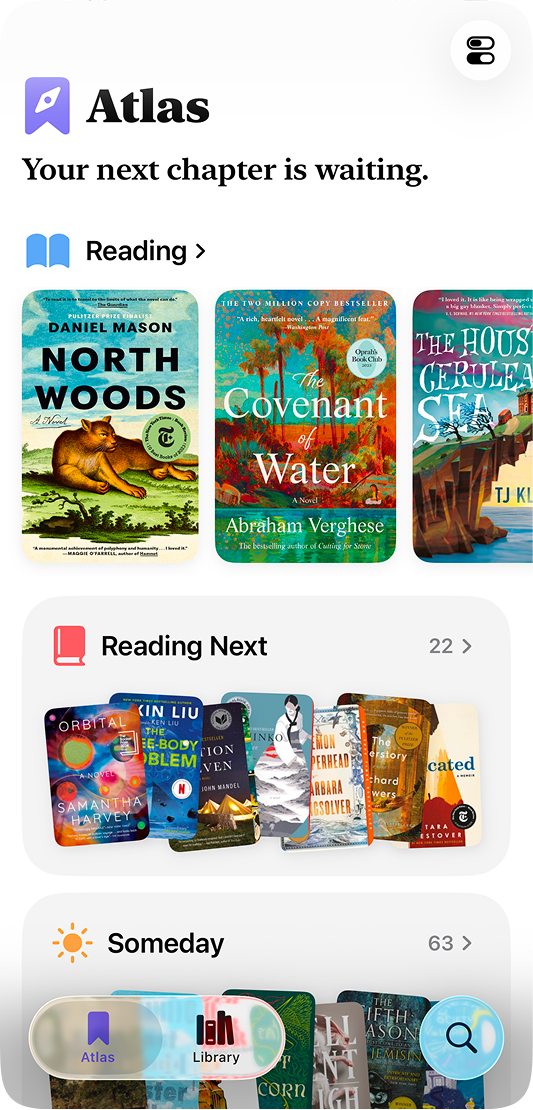
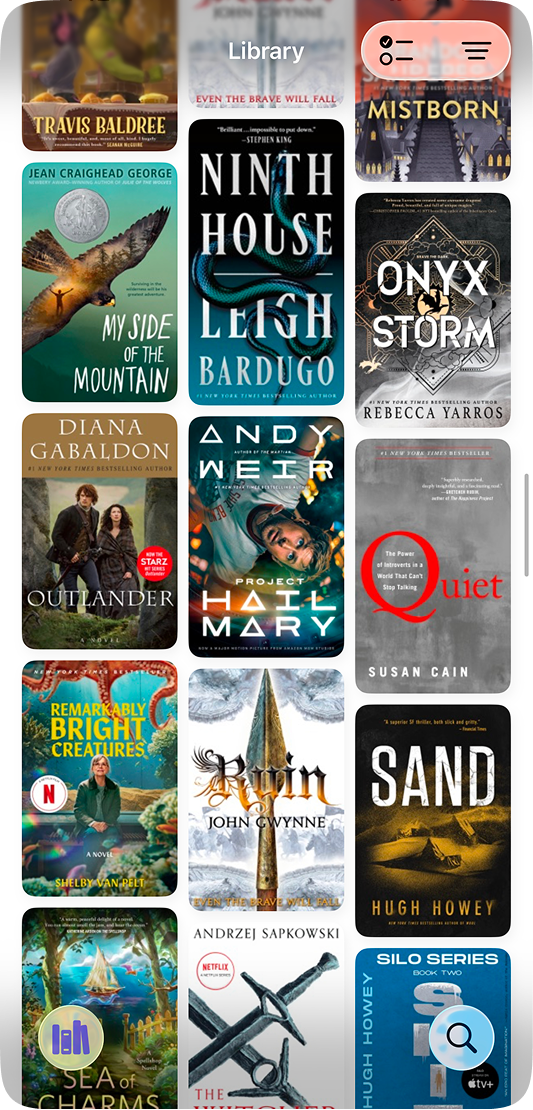
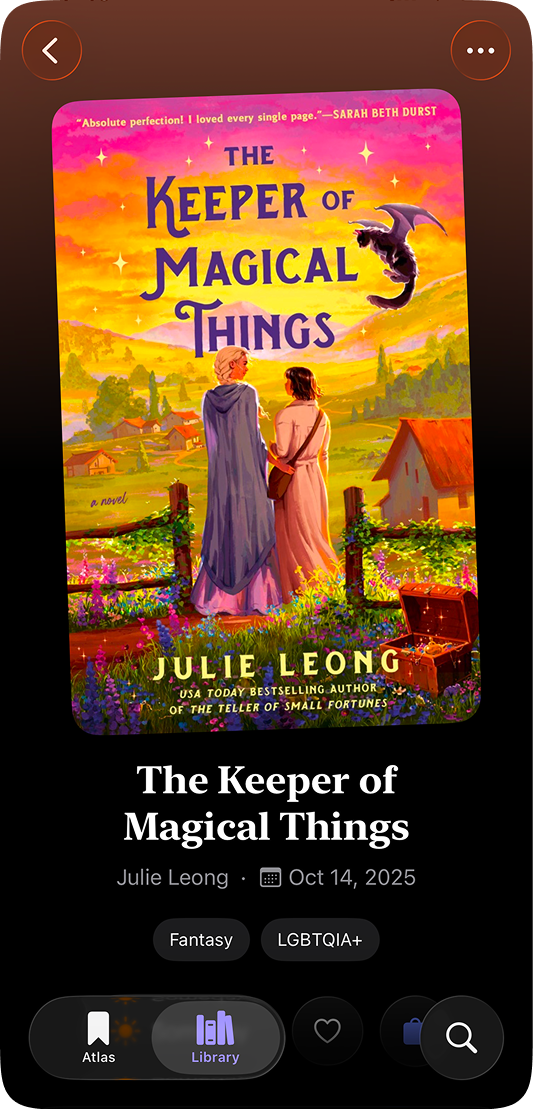

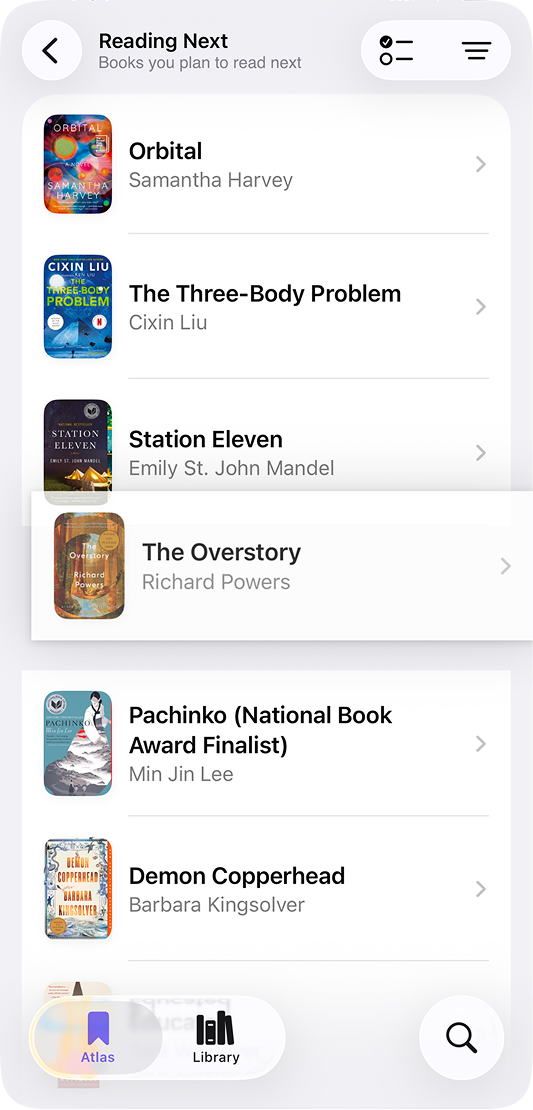
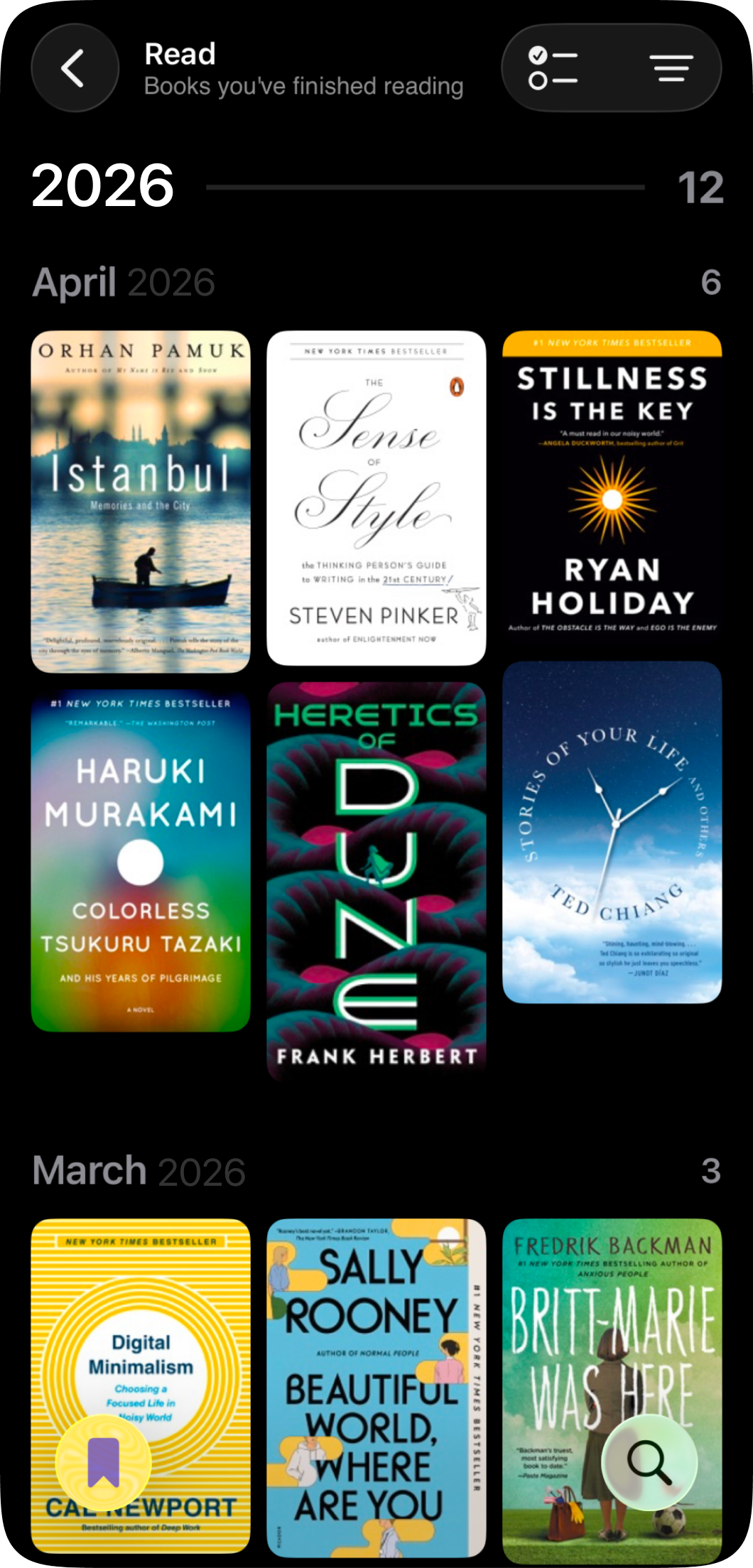
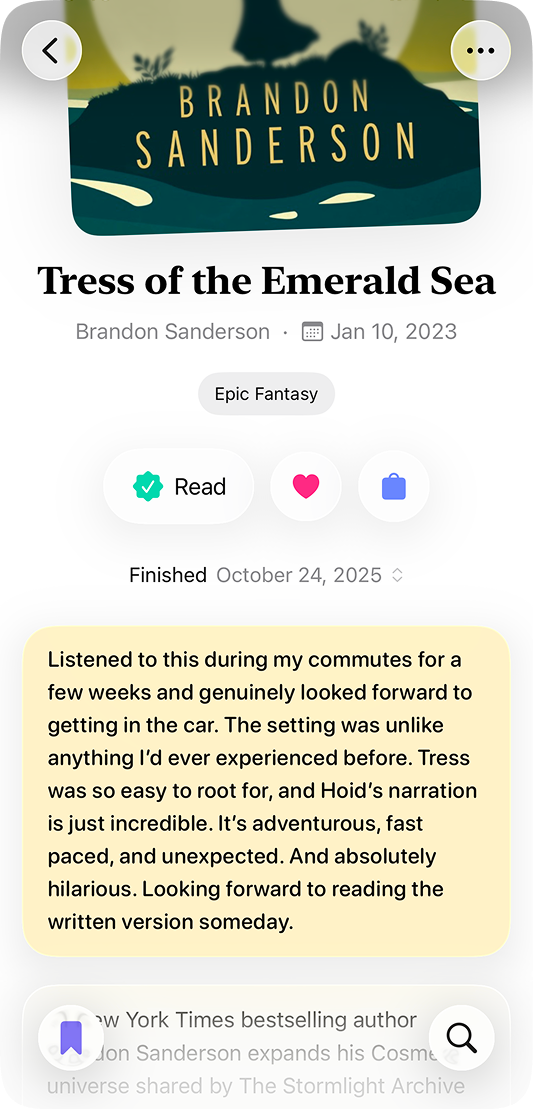
Yes! The core Atlas experience is completely free, and it always will be. There are no pop-ups asking you to upgrade, no ads, no banners at the top of your home screen or library, and no features designed to feel broken until you pay. Everything you need to search for books, organize your library, take notes, and track your finished dates is included from day one.
You betcha. Your library, notes, reading history, and preferences are stored on your device and synced through your personal iCloud account. Atlas doesn’t have its own servers and never sees your data. There are no analytics frameworks, no advertising SDKs, and no third-party tracking tools in the app. The only external connection Atlas makes is to Apple’s search API when you look for books, and those queries aren’t stored.
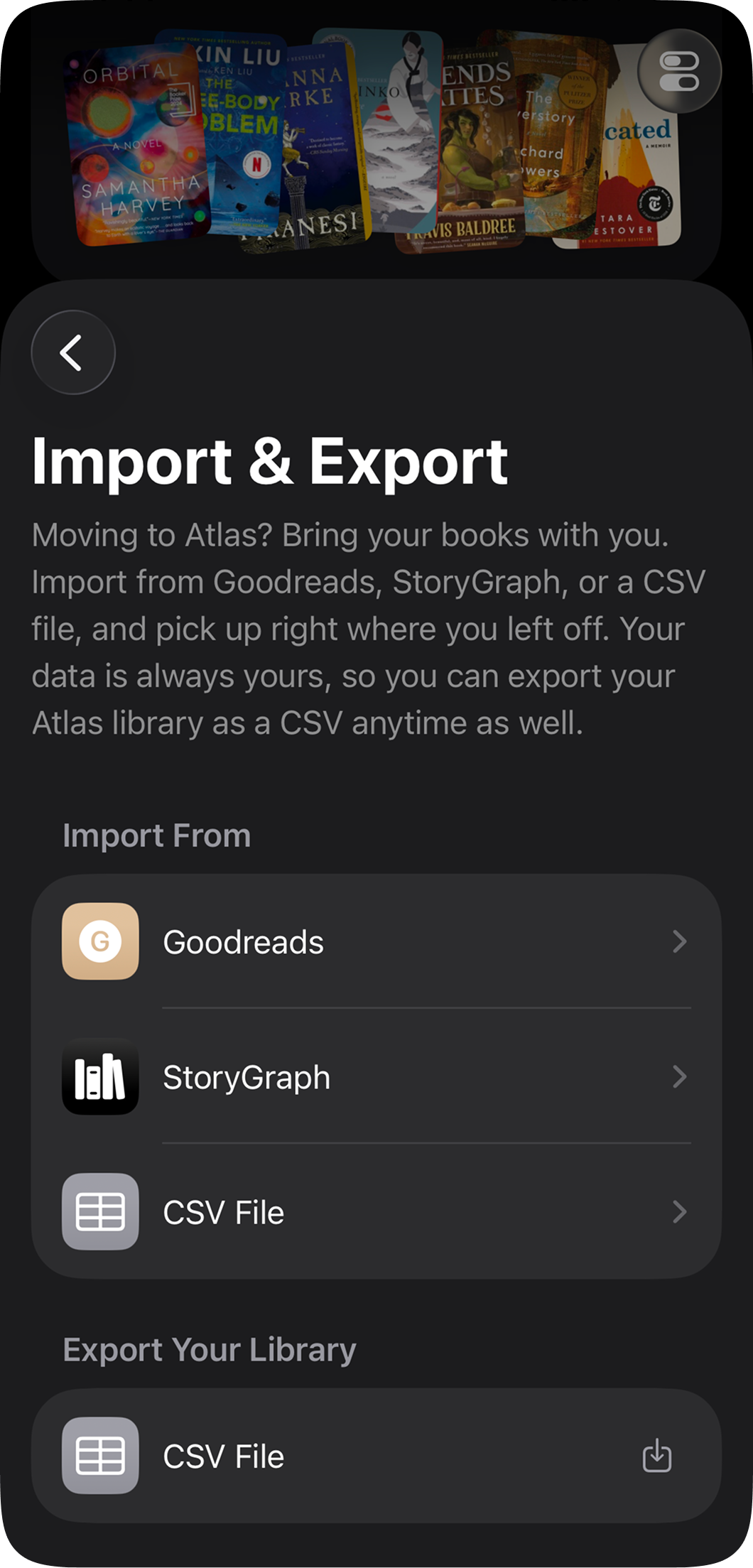
Yes! Atlas can import your library from Goodreads, StoryGraph, or any CSV file. Head to Preferences and tap Import & Export to get started. You’ll find step-by-step instructions for exporting your data from each service, and Atlas will handle the rest, including your reading history, notes, and ownership info where available.
Yes! Atlas syncs your library through iCloud automatically, so your books, notes, and reading history are all backed up and available on any device signed into the same Apple account. If you ever delete and reinstall Atlas, your library will come back on its own. No setup required on your end.
Atlas is designed and developed by one person, Austin Truchan. That's me! You can learn more about me on my portfolio site, or via Bluesky.
Because Atlas is developed independently, your support means the world. Spread the word, share the app with a friend, reach out via email with any feedback you have, or leave a review for Atlas in the App Store.